Must have chrome extensions for webdevelopers.
Here's a list of chrome extension you'd find useful as a webdeveloper
Fullstack developer and Django Dev, I also love writing open-source softwars and birds.
In web design and development, having the right tools at your disposal can make a significant difference in your workflow.
Chrome extensions, in particular, have become essential for developers and designers, offering everything from debugging aids to design inspiration directly in your browser.
Here’s a selection of top Chrome extensions that every web developer and designer should consider adding to their toolkit.
Mobile simulator — responsive testing tool
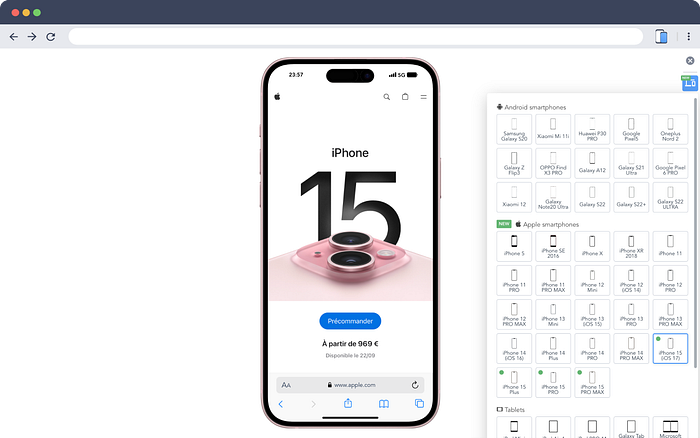
This tool is essential for web developers who need to test their websites’ responsiveness across various devices. They offer a wide range of Android and iPhone device frames, it allows you to preview your site exactly as it would appear on different screens.
In addition to that you can take screenshots of the website along with the device frame in case you need to display the demo of your product
WAVE Evaluation Tool
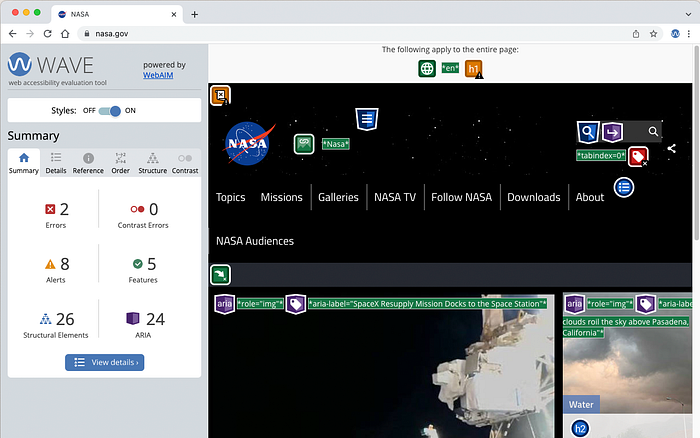
WAVE is a web accessibility evaluation tool designed to help you ensure your website meets accessibility standards. It highlights potential issues and provides feedback on areas such as contrast, missing alt text, and ARIA attributes.
By using WAVE, you can identify and address accessibility barriers, ensuring your site is usable for all users, including those with disabilities.
Font tester
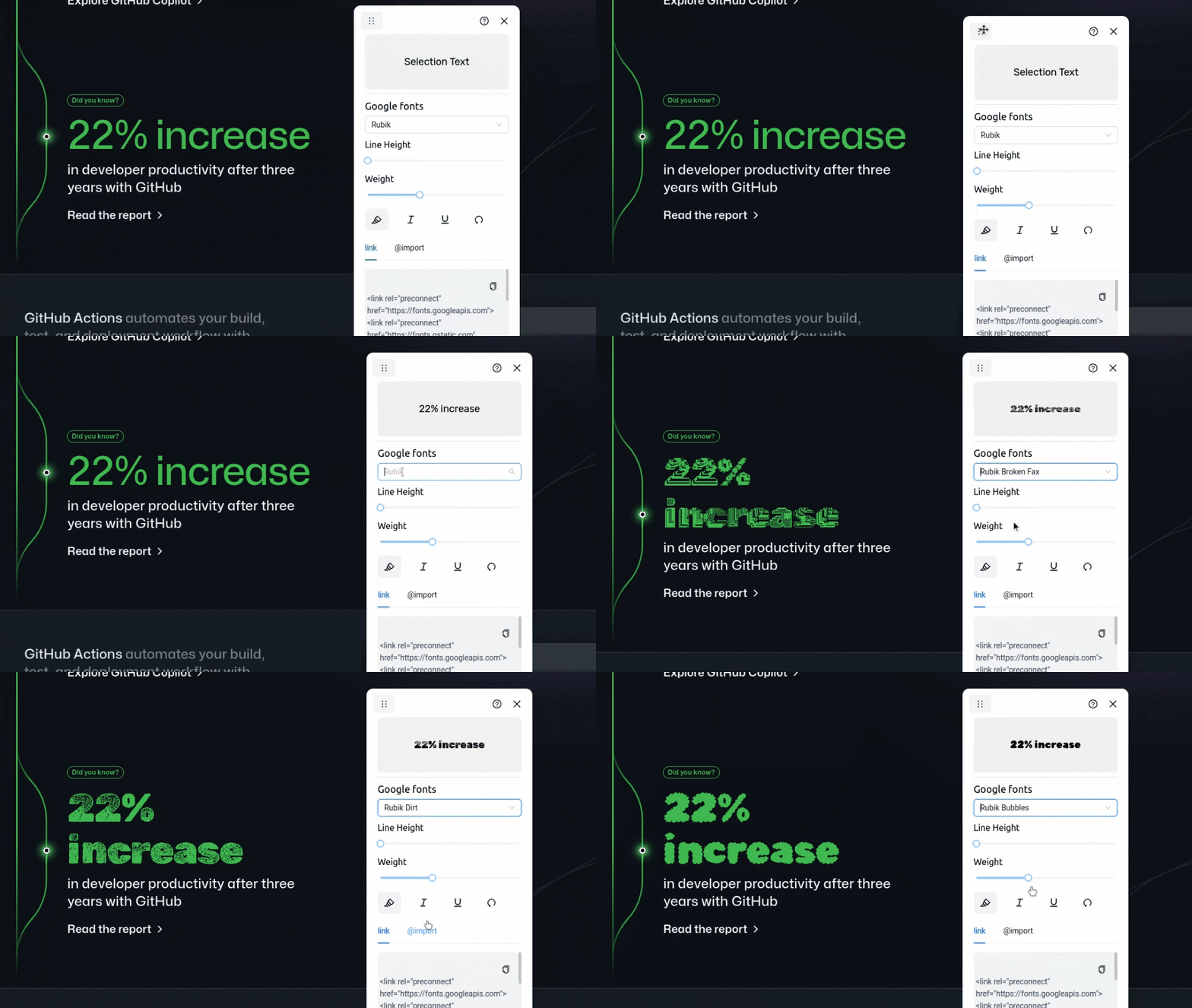
The Font Tester extension allows you to test and preview 1000+ Google Fonts on any website, making it easy to experiment with different typography options. With just a few clicks, you can adjust font weight, line height, apply italics, and more, directly from the widget. It even lets you copy the necessary code for your chosen fonts, streamlining your workflow.
Beyond that it can assist you create award winning websites and help you get better at typography .
Font tester is open-source, you can find the source code on Github
Wappalyzer — Technology profiler
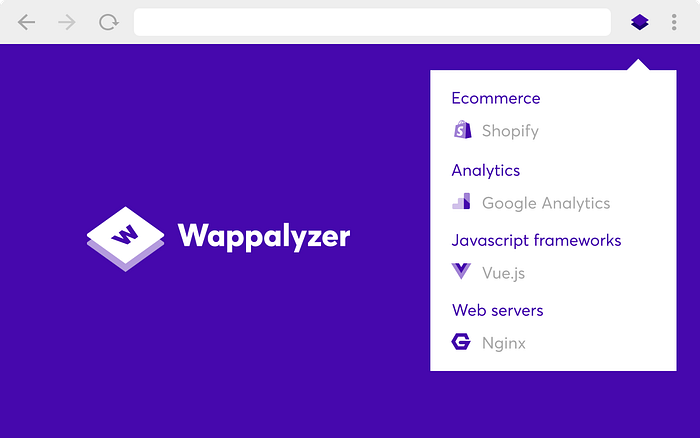
Wappalyzer is a technology profiler that reveals what websites are built with/using. It identifies the CMS, frameworks, eCommerce platforms, and other technologies used behind the scenes.
This can be useful, if you are curious or conducting a competitor analysis.
Ultimate Color Picker
This is a simple color picker extension that can help you pick and copy hex, RGB colors from a page.
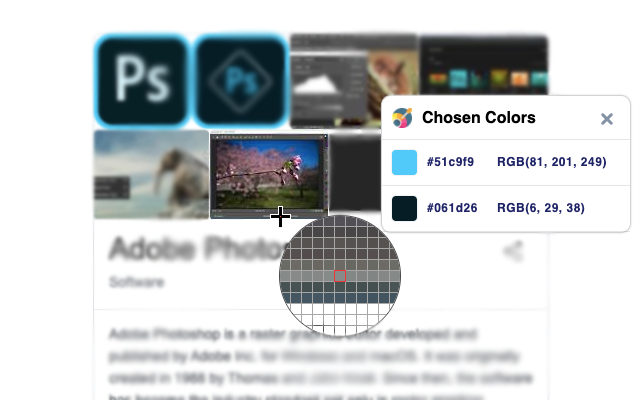
image credit: webstore
Image Downloader
This extension will help you download multiple or all images from a webpage at once.
Useful if you don’t want to click on images one by one to download the image.
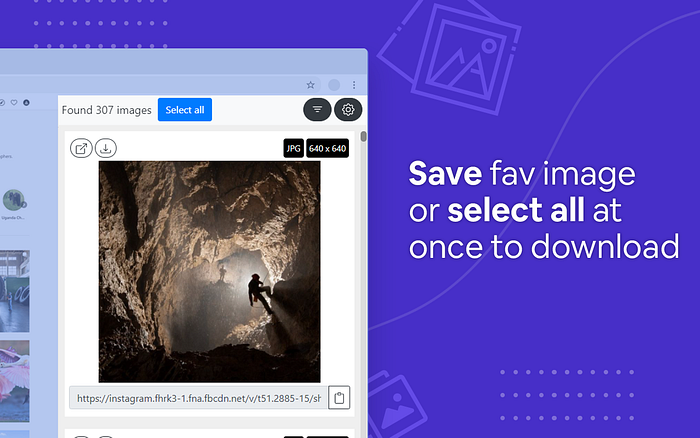
image credit: webstore
Ahrefs SEO Toolbar: On-Page and SERP Tools
The Ahrefs SEO Toolbar is a completely free tool designed specifically for SEO professionals and webmasters. It’s packed with essential features, this extension offers everything you need to optimize your site effectively.
This extension however does not provide free access to Ahrefs’ metrics. For that, an active Ahrefs subscription is required.
image credit: webstore
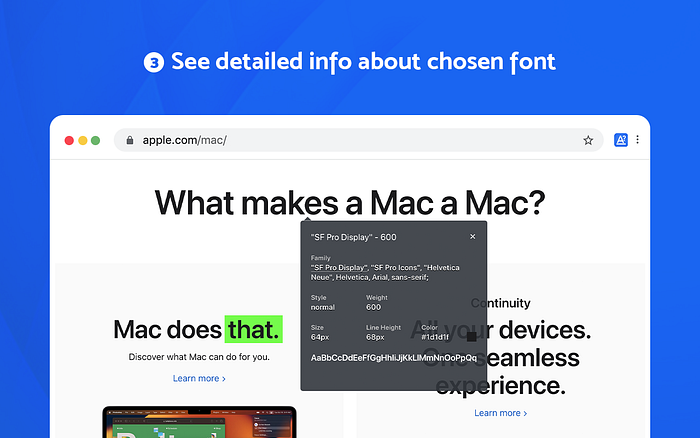
What Font — font finder
Now you may come across many websites with different and unique fonts, the easiest way to identify those fonts are by using Font Finder. This extension makes its easier for you to identify fonts, colors, size, position and more.
Tab Manager by Workona
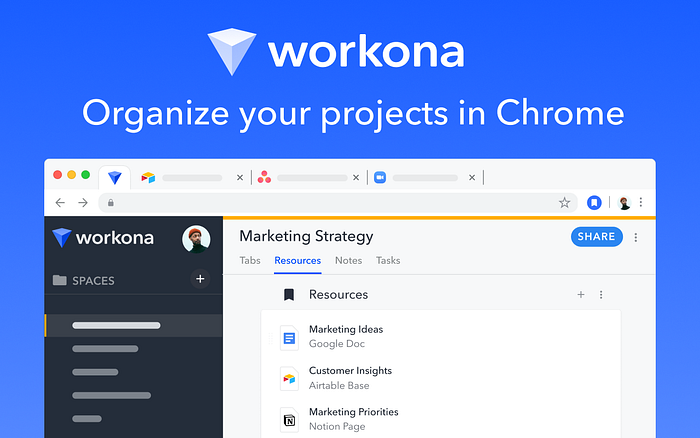
Working on multiple projects or overwhelmed by a cluttered browser and scattered projects, the Workona Spaces & Tab Manager can help you by organizing tabs. This handy tool lets you manage your tabs and organize your work all in one place.
Redux DevTools
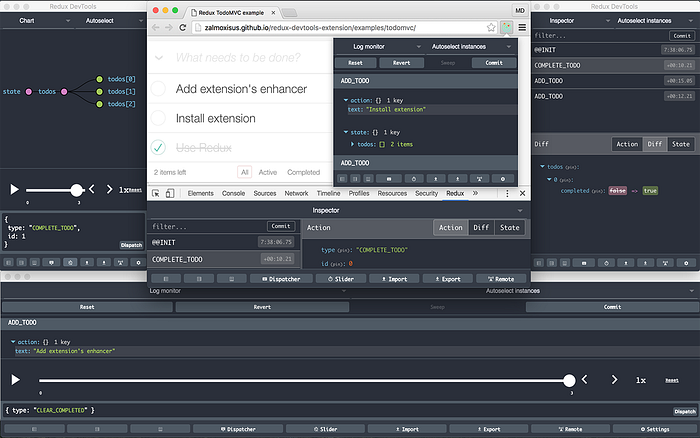
Redux DevTools is a must have tool for anyone using Redux to manage application state. It provides a powerful interface for debugging and inspecting Redux state changes, actions, and reducers.
With Redux DevTools, you can time travel through your application’s state changes, view the state tree in a user-friendly format, and even dispatch actions manually.
This tool helps you track down issues more efficiently, understand how your state evolves, and ensures that your state management is working as expected.
Those were some of the chrome extensions that you must have as a developer. Let me know your favourite extension in the comments.
I am Paul, I write about developments, tools and open-source
Feel free to check me out on Github
If you want to hear more, feel free to subscribe to the free newsletter
